

AI Browser Automation vs Test Automation
Written byDominik SzahidewiczReviewed byMariusz Wójcik


Updated: September 18, 2026View as Markdown
"Open Stripe and download my invoices."
"Verify checkout completes, and fail the deployment if it doesn't."
Both of those look like "AI browser automation" if you search that phrase right now. You'll get Browser Use and Stagehand next to Browserbase, next to axiom.ai, next to Playwright's MCP server, next to actual test automation platforms, all competing for the same query, all doing genuinely different jobs.
That's not you being confused. It's the search results being confused. A browser agent and a test are both "AI touching a browser," and that's basically the only thing they have in common. One of them finishes a task. The other one proves your app didn't break. If you pick the wrong category for what you actually need, you'll either overbuild a one-off task with a testing framework, or, more commonly, end up shipping "tests" that can't reliably catch a regression.
Here's the line, and where it actually blurs.
Two years ago, "browser automation" meant Selenium, Puppeteer, or a test recorder clicking through a fixed script. Then LLMs got good enough to look at a page, decide what to click, and adapt when the page changed. That's a real capability shift, and a wave of tools showed up to use it: general-purpose agent frameworks, agent hosting infrastructure, no-code task bots, and, separately, AI features bolted onto existing test frameworks.
All of them now rank for "AI browser automation." None of them are interchangeable. The collision isn't a content problem; it's a category problem. So before comparing tools, it's worth being honest about what each type is actually built to do.
Browser agents are goal-directed. You give them an instruction in plain English, and the model decides, step by step, how to get there: which link to click, what to type, when it's done. That's genuinely useful for a specific kind of work: one-off tasks, research, or automating something you'd otherwise do by hand once and never script.
General-purpose agent frameworks. Browser Use and Stagehand are the clearest examples, letting developers build an agent that navigates a live page and figures out the next action itself. You're not writing selectors; you're writing intent. That flexibility is the whole appeal, and it's also why the output isn't a fixed, repeatable script: ask the same agent to do the same thing twice, and the exact path it takes can differ.
Agent infrastructure. Browserbase is the "where do these agents actually run" layer: headless browser sessions, session persistence, the plumbing an agent needs to operate at scale. It's infrastructure, not a testing tool, and it doesn't claim to be one.
No-code task agents. Tools like axiom.ai sit closer to RPA: point-and-click automation for repetitive browser tasks, aimed at people who want a workflow completed, not a system verified.
All three categories are built to complete something. None of them are built to prove something happens the same way every time, and that distinction is the whole ballgame for testing.
A test isn't just "a browser doing something." It's a browser doing something specific enough, and reliably enough, that a pass or fail result means something you can act on. That requires six things most browser agents don't give you by default:
Miss any of these, and you don't have a test. You have a task that happened to run in a browser.
An agent completes a task. A test proves a system behaves the same way every time.
"Open Stripe and download my invoices" only needs to succeed once, right now, for you. "Verify checkout completes" needs to succeed the same way on every deploy, for everyone, indefinitely, and needs to fail loudly, with evidence, the moment it doesn't.
This isn't "AI vs. no AI," that's the wrong axis. Modern test automation uses AI too: self-healing selectors that adapt when a button's underlying markup changes, AI-assisted test creation that turns a recorded flow into a maintainable script, and test frameworks with their own agentic features (Playwright now ships planner, generator, and healer agents alongside its MCP server).
The real fault line is what the AI produces. AI-assisted test automation uses a model to help build or repair a deterministic, re-runnable test: the output is still a fixed asset with assertions, that runs the same way tomorrow as it did today. An autonomous browser agent uses a model to decide the path at runtime, every time: the output is a completed goal, not a reusable, deterministic check.
Same underlying AI. Different contract with the result.
| Browser Agents | Test Automation | |
|---|---|---|
| Determinism | Path can vary run to run | Same steps, every run |
| Reproducibility | Harder, depends on live page state | Built in, same script, same result |
| Pass/fail output | Task completed or not; no formal assertions | Explicit assertions, binary result |
| CI/CD integration | Not designed for it | Core requirement |
| Best-fit use case | One-off tasks, research, exploratory work | Regression suites, release gates, monitoring |
| Example tools | Browser Use, Stagehand, Browserbase, axiom.ai | Playwright, BugBug |
Use a browser agent if the job is a one-off: pulling data from a site without an API, running a research task, automating something you'd otherwise do by hand a single time.
Use test automation if the job needs to happen the same way, over and over, and you need a trustworthy pass/fail signal to act on, a checkout flow, a signup form, a login page, anything you'd call a "critical path."
Most teams shipping a real web product end up needing both, for different jobs: an agent for the ad hoc task this week, a regression suite for the checkout flow that can't be allowed to silently break. The mistake isn't picking one category; it's expecting the wrong one to do the other's job.
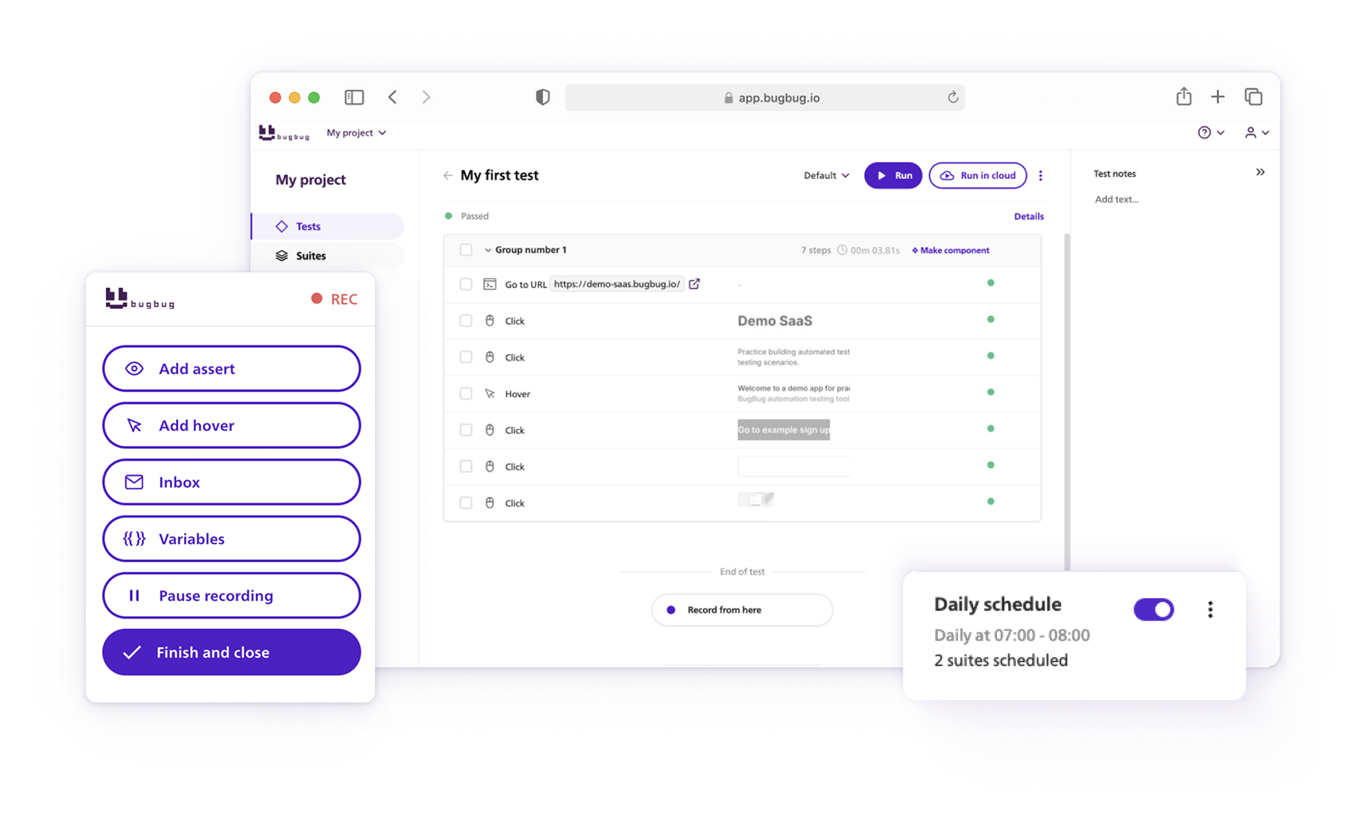
If what you need is the second kind, a deterministic check that runs the same way on every deploy, that's what BugBug is built for. It's not a browser agent: there's no runtime decision-making about what to click next. You record a flow once with the visual recorder, and it plays back the same steps every time, with stable selectors built to survive minor UI changes without turning into a flaky mess.
Where AI shows up in BugBug is in building and maintaining the test, not in deciding what happens at runtime, the same "AI-assisted, not AI-autonomous" distinction from the section above. Tests export to YAML, so they're inspectable and diffable, and the BugBug MCP server lets an AI coding agent trigger and read your existing suites without changing how the suites themselves run.
Worth being upfront about the limitation: BugBug runs on Chromium-based browsers only, so if you need Firefox, Safari, or native mobile coverage, it's not the right tool for that piece.
If what you actually need is a checkout that either passes or fails, the same way, on every deploy, that's the problem to start with, and it's worth checking whether a five-minute recorded test already solves it before reaching for anything more complex.
Happy (automated) testing!
Your next release. Properly tested.
Join 1,200+ QA teams that automated their
regression coverage with BugBug.

Dominik Szahidewicz is a Software Quality Evangelist specialising in quality assurance, test automation, and modern software testing practices. He creates practical, research-driven content that helps QA professionals, developers, and product teams improve test coverage, automate repetitive testing, and release more reliable web applications.
Drawing on his experience in technical writing, data analysis, and application consulting, Dominik translates complex testing concepts into clear, actionable guidance. His areas of interest include end-to-end testing, low-code test automation, regression testing, and the use of AI in software quality assurance.

Senior software engineer at BugBug, where he's spent 6 years helping shape the product. He's a T-shaped developer skilled in frontend with React and TypeScript, browser extensions, backend work, and building AI agents and tooling. His strengths also include UX instincts, a product-minded approach, and process automation.
Get more testing tips and product related content. Zero spam.
What does AI for QA actually look like on a team without dedicated QA? Check our curated list of 10 best ai tools for testing in 2026.
Learn how to use MCP for test automation to plan, create, run, debug, repair, and review regression tests directly from your AI coding agent.
MCP vs API; MCP doesn't replace your REST API - it wraps it. Here's what that changes when an AI agent runs, reads, and repairs your regression suite.
AI can generate 100 test cases in seconds. Deciding which to keep, making them run, and maintaining them is the real work. Here's the workflow.
Discover the essential QA tester skills for 2026! Learn the technical and soft skills required to excel as a QA Tester.
Learn how to automate regression testing without devs or QA. Discover a risk-based strategy and practical workflows.


